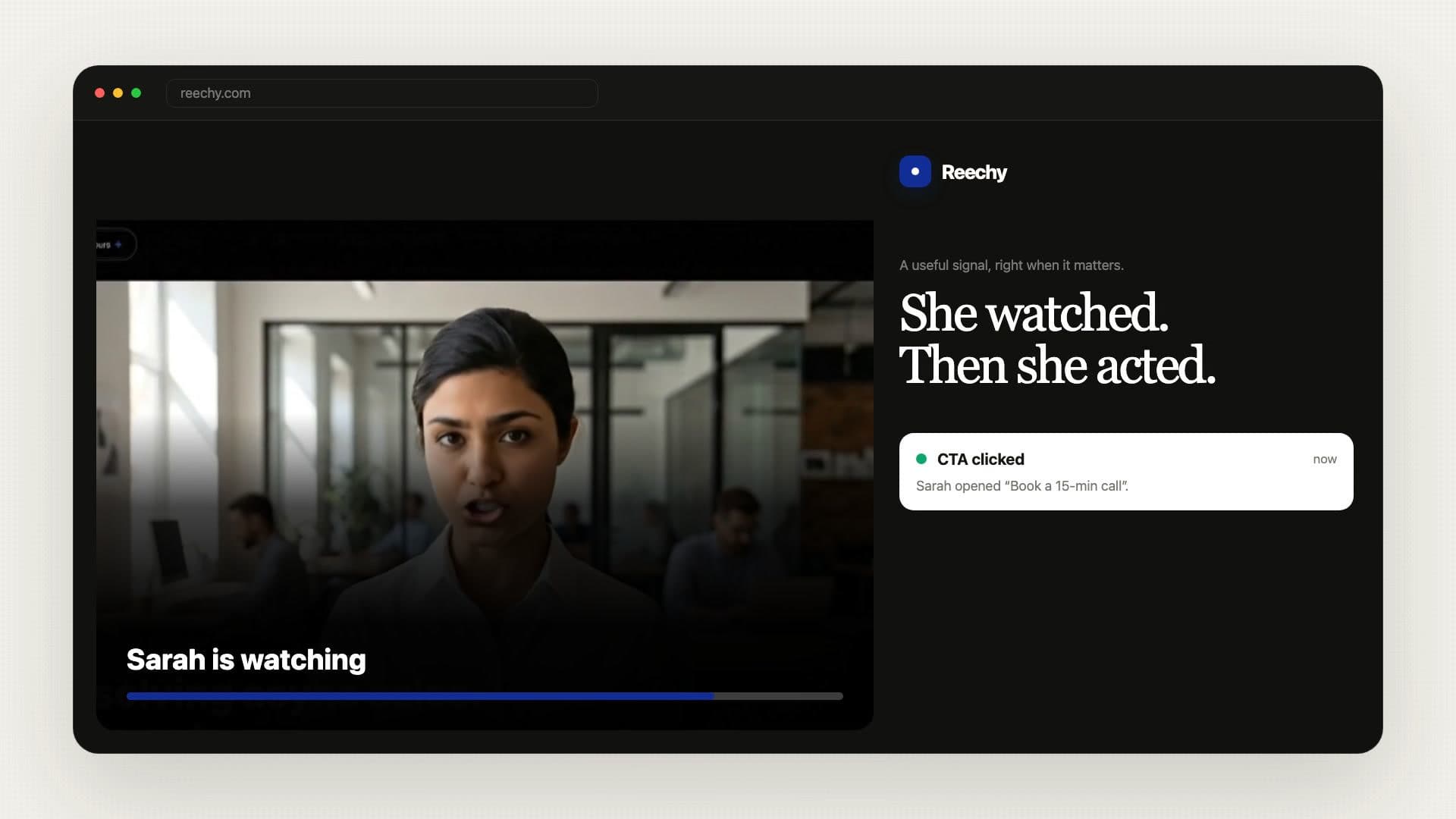
Reechy records camera and screen, edits the take, publishes video pages and collections, adapts them for phone and desktop, creates public, embedded, or controlled recipient links, and reports meaningful engagement.
Record, upload and organize
Keep every video ready to send.
Keep product demos, saved clips, workout routines and client updates in collections you can open from any device.
Record the moment the problem appears. Camera, screen, or both work here.
Record the problem
SC
Reply received
Video · 0:42
Screen recording
The error appears after I submit.
Ready to reviewNew reply
Bug reports
See the exact screen and steps.
Candidate intros
Ask every candidate the same questions.
Customer stories
Collect their words, face, and permission.
Product research
Watch the workflow instead of guessing.
Assignments
Review the answer and the reasoning.
Async updates
Let everyone reply on their own time.
Start with five free videos.
Record up to 5 minutes per video, build 1 collection with 3 items, and share pages with calls to action. Upgrade for longer videos, more storage, and deeper reporting.
Yes. Reechy is free to start — no credit card, no trial period, no expiry. The free plan gives you 5 videos up to 5 minutes each, including the teleprompter, in-browser trimming, crop, and cinematic filters. Upgrade to Pro ($12/month) for unlimited videos and 10-minute recordings.
Do I need to create an account?
No account is required to record and share. Open the page, hit record, get a shareable link — that's it. Creating an account (free) saves your videos to a dashboard, lets you track view counts, and keeps your links working long-term.
Does the person receiving my link need to sign up?
No. Your recipient just opens the link and watches. There's no login wall, no app download, and no friction between you and the person you're trying to reach. The viewer page works on any device, in any modern browser.
Is this only for sales?
No. People use Reechy for sales pitches, investor updates, YC application videos, CV video intros linked to a resume, agency client updates, birthday messages, property listings, recruiter outreach, and personal messages — anything you'd normally type but would land better on camera.
How is this different from Loom?
Loom gives you a recording with comments, transcripts, and team workspaces — built for async collaboration inside companies. Reechy is built for outreach: the viewer gets a cinematic pitch page with your agenda, headline, and a custom CTA button (booking link, portfolio, form, or anything). Built to convert, not to archive.
Where is my video stored?
Videos are stored securely on Cloudflare R2 — globally distributed, fast, and private until you share the link. Only people with your unique link can view the video. Reechy does not publicly list or index your videos anywhere.
Can I add my Calendly?
Yes. Paste any scheduling link — Calendly, Cal.com, TidyCal, or similar — and it appears as a prominent CTA button on your pitch page. You can also link to anything else: a Google Doc, a Fillout form, a Telegram handle, a portfolio, or a resume PDF.
Does it work on mobile?
Yes. You can record directly from your phone camera and share the link from any device. The viewer page is also fully responsive — your recipients get a clean, full-screen pitch experience whether they're on desktop, tablet, or mobile.